Dead Zone Revive Controls
Keyboard, mouse, and interface shortcuts for missions and compound management.
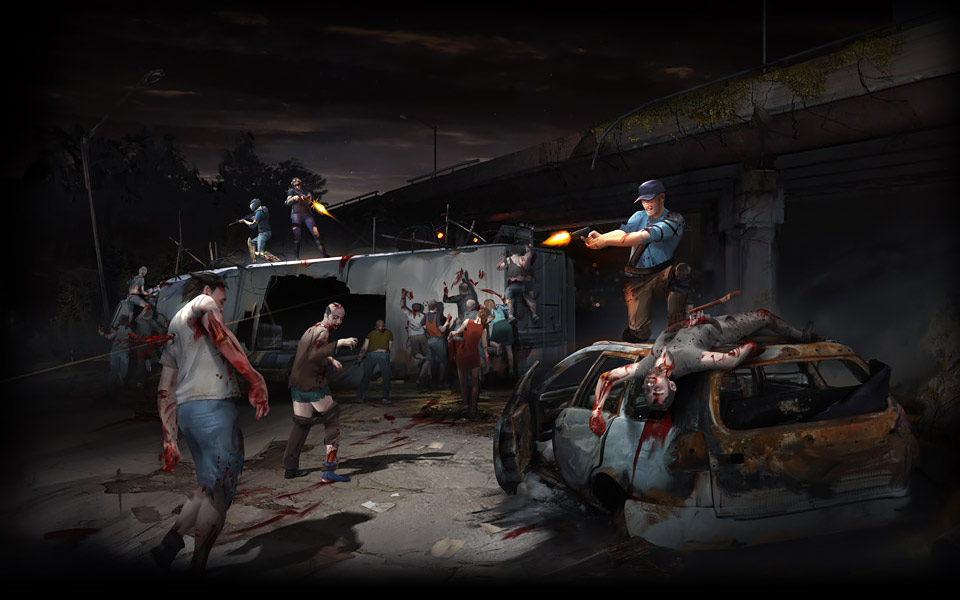
Smooth controls separate clean extractions from lost loot. Dead Zone Revive uses familiar isometric action RPG inputs on both browser and Steam Early Access. Exact bindings can shift during Early Access patches — verify in-game settings after each update on the Updates hub — but the layout below matches current community documentation for Ruby Realms Studios and Switch Compagnie’s revival.
New players should read Getting Started first, then keep this page open while running the tutorial. Mission-heavy players pair Controls with Scavenging Missions and How to Play.
Movement and camera
Dead Zone Revive is played from an isometric angle with click-to-move and optional keyboard strafing.
| Action | Default binding | Notes |
|---|---|---|
| Move to cursor | Left mouse click | Pathfinds around obstacles |
| Hold move | Hold left mouse | Fine positioning in combat |
| Rotate camera | Middle mouse drag or edge scroll | Check settings — some builds map Q/E |
| Zoom | Mouse wheel | Useful in compound build mode |
| Sprint | Shift (hold) | Drains stamina on some survivors |
| Interact | E or F | Doors, loot, NPCs — context prompt appears |
Practice circling enemies while clicking ground behind them — a core skill for Fighter and Medic sustain teams.
Combat controls
Combat is real-time, not turn-based. Aim matters for firearms; melee arcs toward the cursor direction.
| Action | Default binding | Notes |
|---|---|---|
| Primary attack | Left mouse on enemy | Melee combo or single-shot depending on weapon |
| Aim / facing | Mouse position | Strafe to keep weak points exposed |
| Reload | R | Animation locks movement — reposition first |
| Swap weapon | 1 / 2 or mouse wheel | Carry backup in dangerous zones |
| Use ability | Q / W / E (class slots) | Leader buffs, Medic heals, Recon scans vary by build |
| Throw consumable | G or hotbar number | Grenades, meds, deployables |
Reload discipline is the first habit in Beginner Tips: never reload in the open when you can break line of sight behind a car or doorway.
Inventory and looting
With 30,000-plus items in the loot table, inventory management is a skill. See Crafting and Loot for rarity rules; here are the inputs.
| Action | Default binding | Notes |
|---|---|---|
| Open inventory | I or Tab | Separate tabs for equipped vs stash on some screens |
| Quick loot | E on container | Shift-click or Ctrl-click may fast-move to bag — test in settings |
| Drop item | Drag out or Delete confirm | Irreversible on missions — be careful |
| Compare tooltip | Hover + Alt | Shows upgrade arrows when implemented |
| Sort bag | Sort button | Run after every extraction |
On missions, loot only what you can extract. Use the Loadout Planner before leaving base so hotbar slots match your plan.
Compound building mode
Building is click-driven with grid snapping on most structures.
| Action | Default binding | Notes |
|---|---|---|
| Enter build mode | B or hammer icon | From compound view |
| Place structure | Left click | Ghost preview shows valid tiles |
| Rotate piece | R | Gates and turrets need correct facing |
| Cancel placement | Esc or right click | No resource cost until confirmed |
| Demolish | Bulldozer tool + confirm | May refund partial mats — patch dependent |
Layout strategy belongs in Compound Setup. Controls only get walls placed; planning prevents raid leaks.
UI and social shortcuts
| Action | Default binding | Notes |
|---|---|---|
| Mission map | M | Zone selection and extraction markers |
| Chat | Enter | Alliance and local channels |
| Alliance panel | O or social icon | See Alliances and Raiding |
| Survivor sheet | C | Stats, class perks, skill points |
| Crafting bench | Click station | Engineer bonuses apply automatically when nearby |
The game UI is English only today. Fan-run wiki pages like this one follow the same language for clarity.
Browser vs Steam differences
Browser play at the official site may introduce slight input lag on low-end hardware. Steam Early Access typically offers fullscreen, richer key rebinding, and stable frame pacing — helpful for aim-heavy Recon builds.
Universal tips:
- Disable browser scroll-on-space if it steals jump or interact.
- Use hardware mouse acceleration off for consistent aim.
- Rebind crowded keys if you use Engineer deployables heavily.
Rebinding and accessibility
Open Settings → Controls to remap keys and adjust mouse sensitivity. Early Access may not ship full accessibility suites yet; if a feature is missing, note it in official feedback channels rather than assuming mod support.
Recommended rebinds players often make:
- Interact and loot on adjacent keys for faster container clearing (Scavenger mains).
- Push-to-talk for alliance coordination during raids.
- Larger UI scale on 1440p+ monitors for rarity text.
Practice drill (five minutes)
- Compound empty lane: sprint, stop, 180 turn, swap weapon.
- Shooting range or safe alley: reload cancel by swapping weapons if the build allows.
- Open inventory, sort, equip one upgrade from the Items database sample loot.
- Enter build mode, rotate a wall segment, cancel without spending mats.
- Open mission map and ping extraction — muscle memory before your first real run in Scavenging Missions.
Controls do not replace game knowledge, but they remove friction so you can focus on the not-for-profit fan revival’s deep systems — compound defense, alliance politics, and high-value extractions — without fighting the interface.
Frequently Asked Questions
Quick answers for survivors in the Dead Zone.
Can I rebind keys in Dead Zone Revive?
Yes through in-game Settings on both browser and Steam. Early Access patches occasionally reset bindings — export a screenshot of your layout after major updates.
Does browser play support controller?
Controller support varies by build and platform. Keyboard and mouse remain the supported default; check patch notes on the Updates hub for gamepad additions.
Why does my survivor not interact with loot?
You must be in range and facing the prompt. Hold still if latency causes missed E presses, especially in browser sessions.
Are controls the same as the original Dead Zone?
The revival follows classic isometric patterns but is not a one-to-one clone. Veterans should relearn ability slots and build mode on this client.
Where do I report broken key bindings?
Use official Dead Zone Revive feedback channels. Note browser or Steam, list the binding, and mention your survivor class if abilities fail to fire.